Guide to Moving Your 3DEXPERIENCE Local Work Folder
Learn how to safely move your 3DEXPERIENCE local work folder. Use the CacheMove utility for a seamless relocation process.
Read Moresolidworks all articles related to tag
Learn how to safely move your 3DEXPERIENCE local work folder. Use the CacheMove utility for a seamless relocation process.
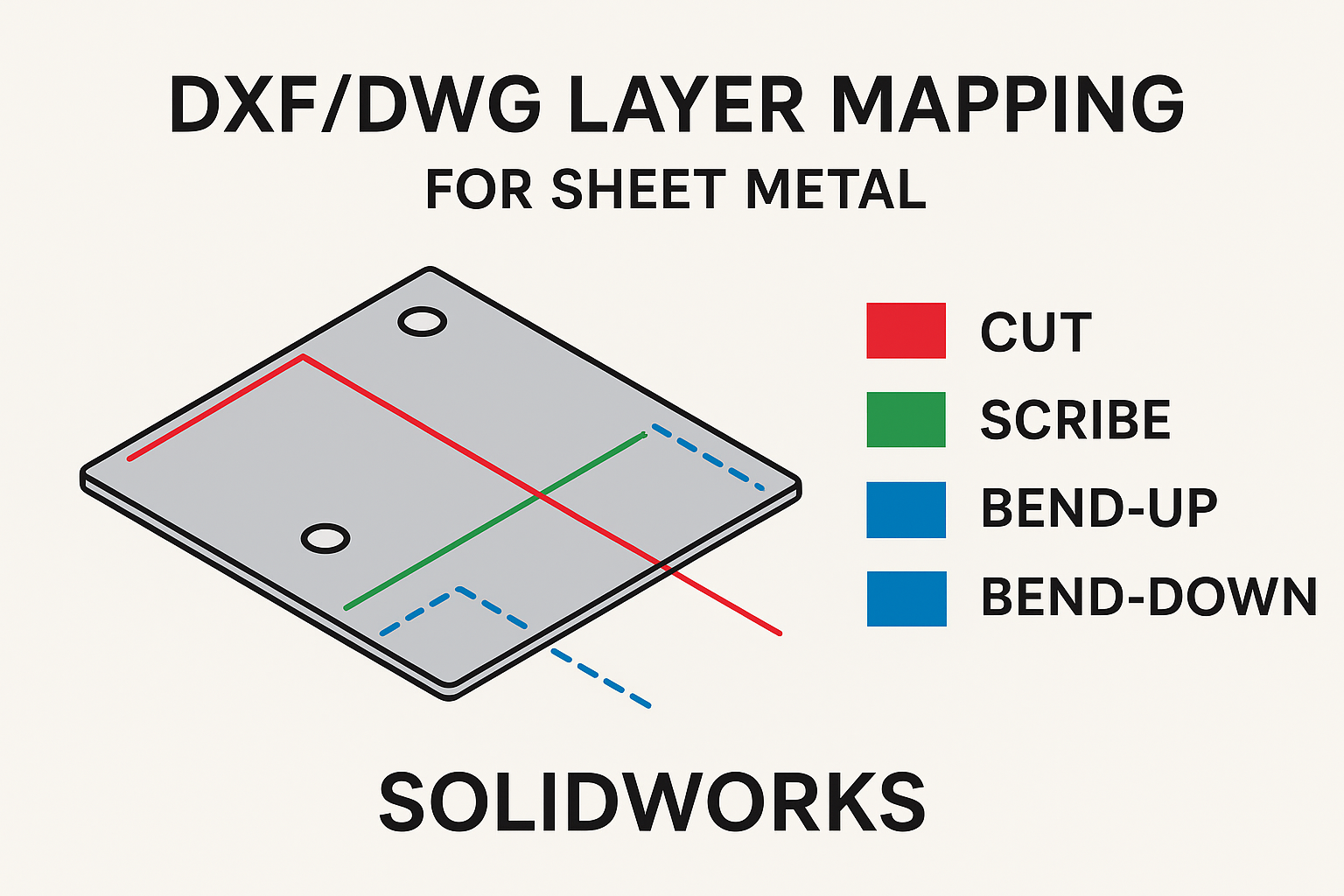
Read MoreLearn how to map entities by type to specific layers for sheet metal DXF/DWG exports.
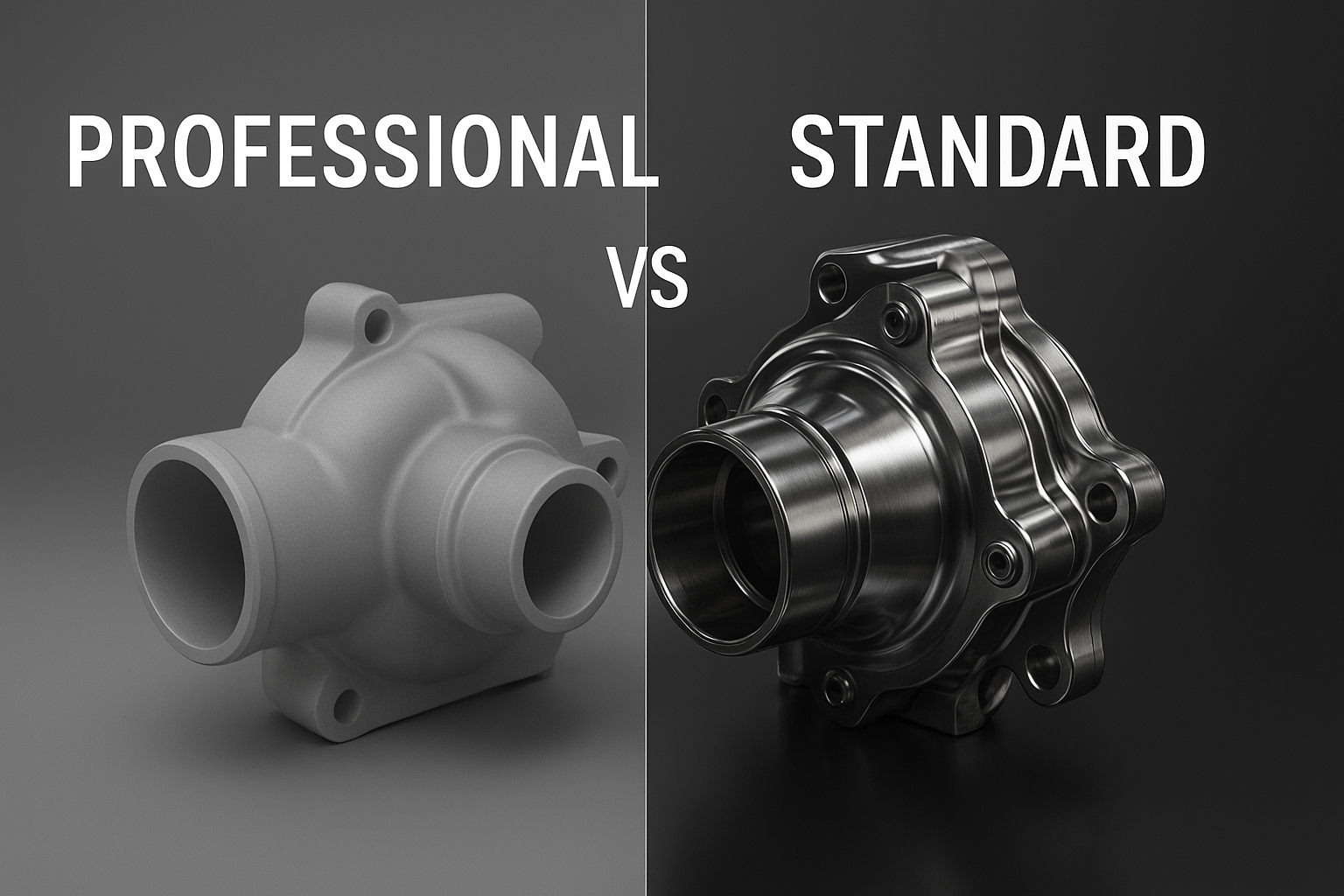
Read MoreDiscover why SOLIDWORKS Visualize Professional outshines the Standard version with advanced rendering tools and VR options.
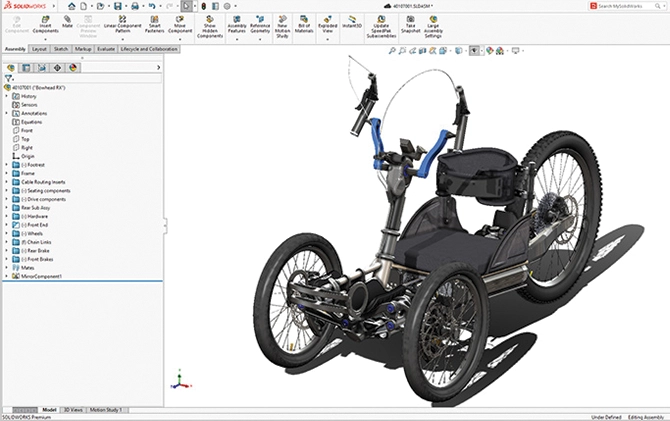
Read MoreSOLIDWORKS 3D CAD is powerful software that enables engineers to create precise 3D models and technical drawings efficiently.
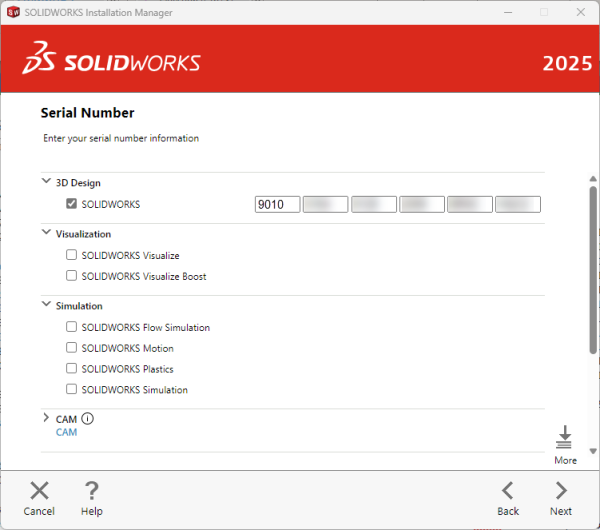
Read MoreLearn what the characters in SOLIDWORKS serial numbers mean and how to identify your license type.
Read MoreLearn step-by-step how to grant users read and edit access to files in the PDM Vault.
Read MoreLearn how to model and analyze solar radiation in SOLIDWORKS Flow Simulation to optimize outdoor designs and thermal performance.
Read MoreSOLIDWORKS 2026 introduces quality-of-life improvements in the assembly environment — smarter save prompts, enhanced configuration/display tables, AI-assisted fastener mating, and control over auto-resolve in lightweight mode.
Read MoreStep-by-step guide to uninstall 3DEXPERIENCE SOLIDWORKS (Connected or Connector) cleanly from both the 3DEXPERIENCE platform and Windows.
Read MoreLearn how to import motion studies directly into SOLIDWORKS Visualize Professional and save time creating high-quality animations.
Read MoreLearn how to safely deactivate your SOLIDWORKS license to transfer it or manage standalone licenses
Read MoreHow to open STEP assembly files as a single part in SOLIDWORKS and view the bodies underneath.
Read More