Guide to Moving Your 3DEXPERIENCE Local Work Folder
Learn how to safely move your 3DEXPERIENCE local work folder. Use the CacheMove utility for a seamless relocation process.
Read More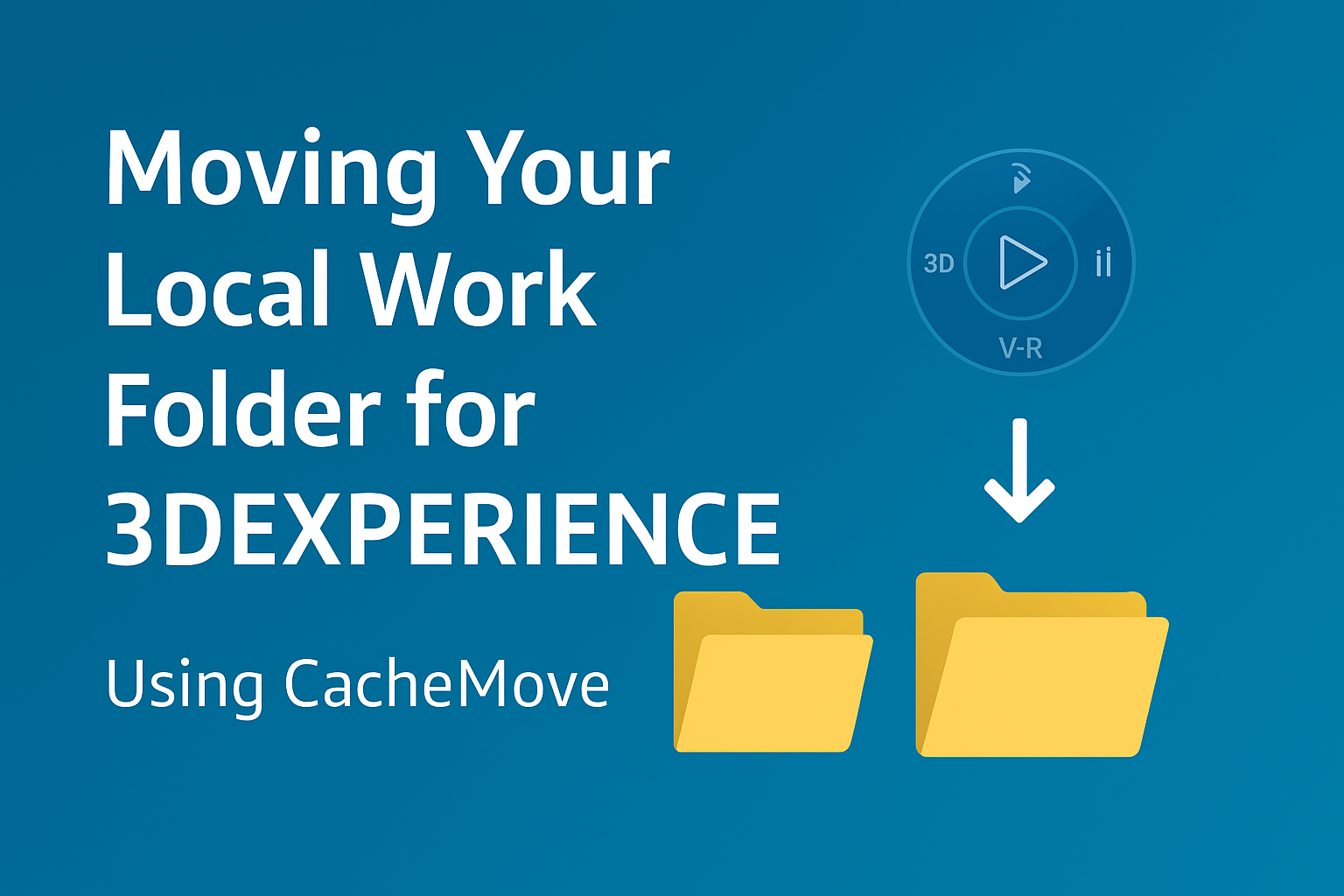
Learn how to safely move your 3DEXPERIENCE local work folder. Use the CacheMove utility for a seamless relocation process.
Read More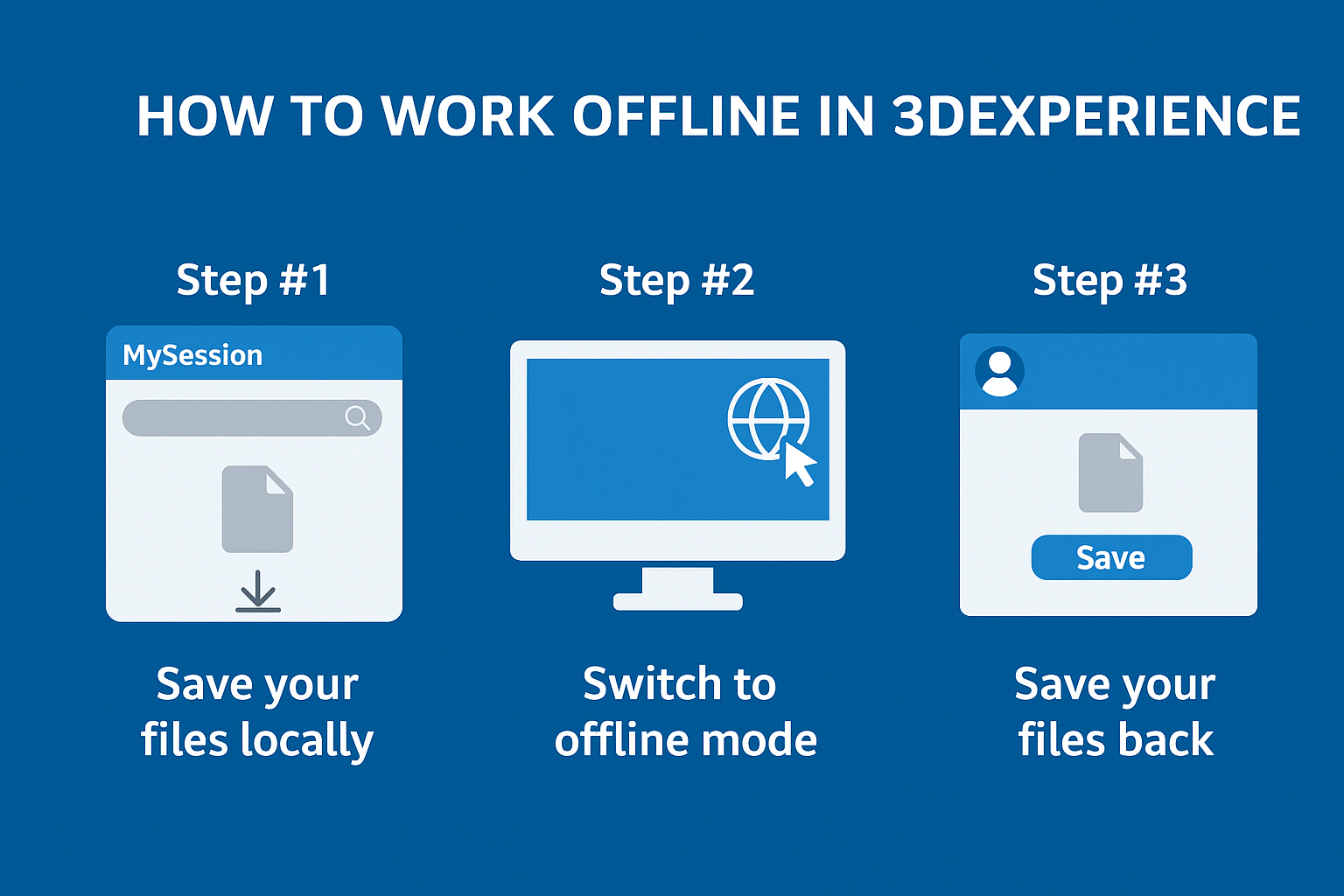
Cache your files first, then switch to offline mode. You can work up to 30 days without internet.
Read More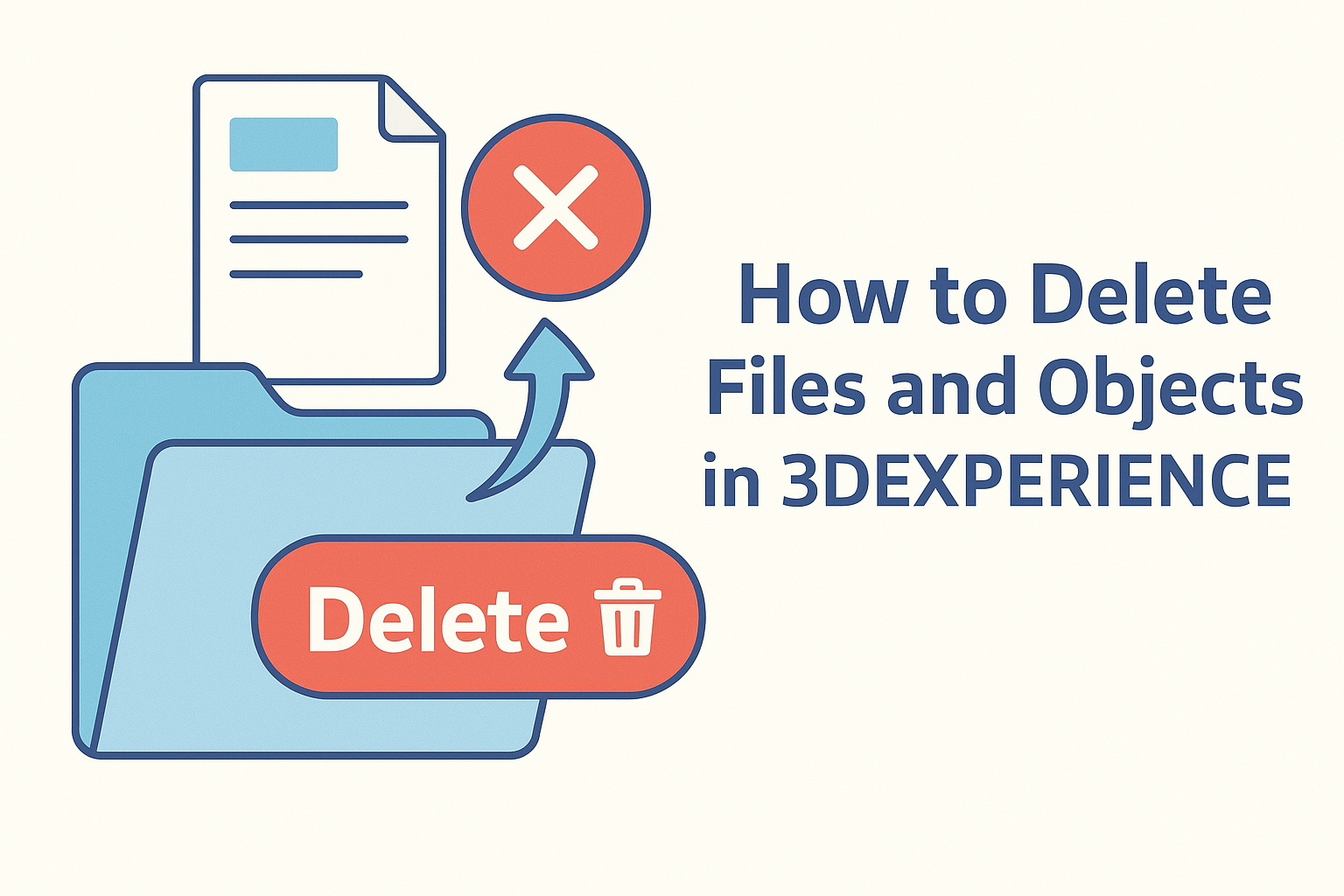
Learn how to permanently delete objects from Collaborative Spaces.
Read More
Step-by-step guide to uninstall 3DEXPERIENCE SOLIDWORKS (Connected or Connector) cleanly from both the 3DEXPERIENCE platform and Windows.
Read More